
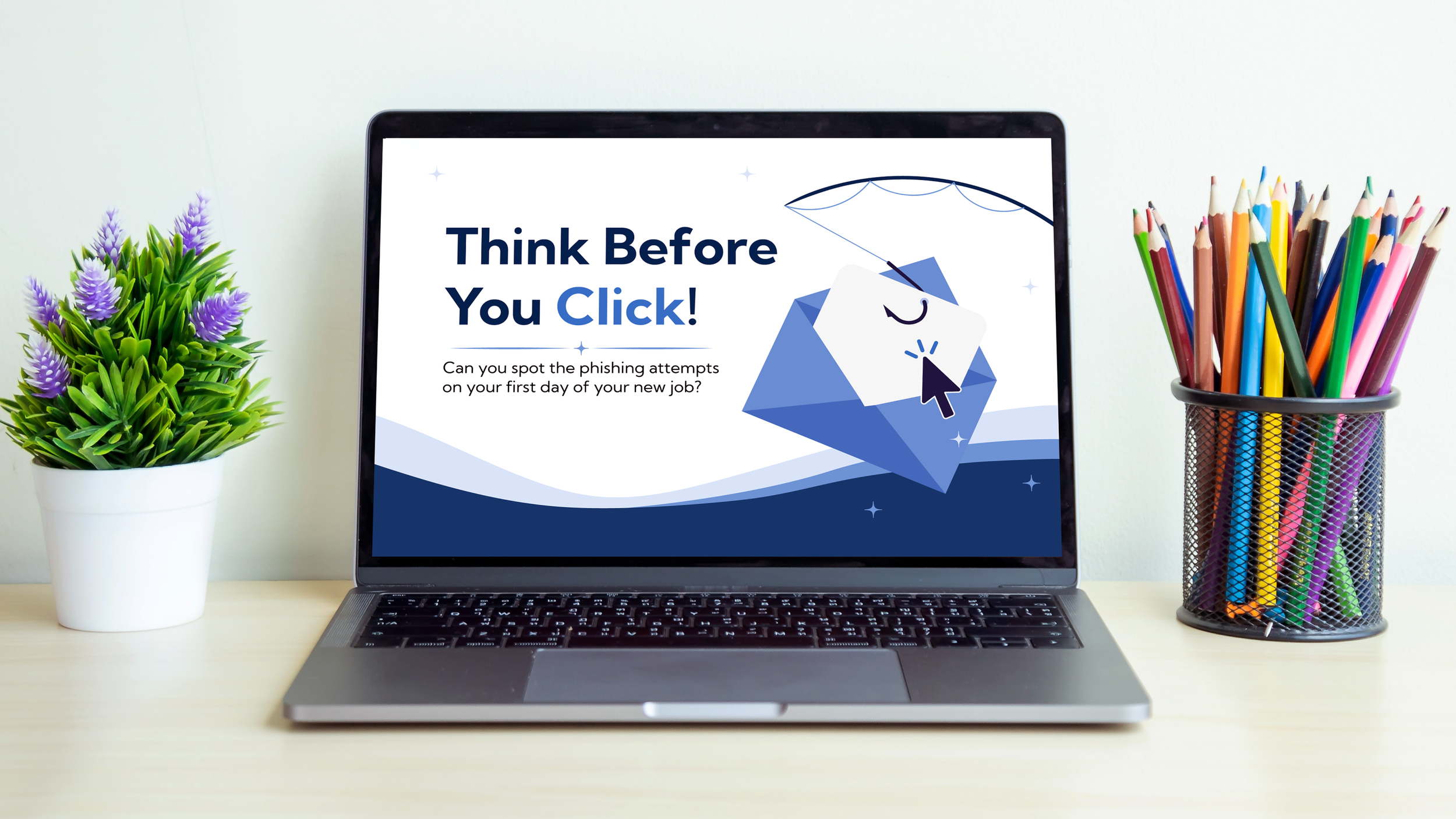
Think Before You Click!
Essential Phishing Training
Audience: Newly hired employees across a mid-sized organization
Responsibilities: Instructional Design, eLearning Development, Visual Design, Motion Graphics
Tools Used: Articulate Storyline 360, Adobe After Effects, Adobe Illustrator, Google Docs, MindMeister
Overview
The Problem
Employees of a mid-sized organization were being targeted by a growing number of phishing attempts. While employees found some scams easy to spot, others closely mimicked official company communications, making it difficult for employees to have confidence distinguishing between legitimate emails and potential threats.
The Solution
I recommended an interactive phishing simulation that puts employees directly into the situations they need to navigate. Rather than presenting phishing red flags as a list of rules to memorize, the simulation gives learners a realistic inbox filled with both legitimate and suspicious messages. Learners must decide how to respond to each email and are given immediate feedback explaining why the response was safe or risky, reinforcing the cues learners should look for in future situations.
The result is a practice-focused learning experience designed to help employees build the confidence and judgment they need to recognize phishing attempts before they become a security incident.
Development Process
Following the ADDIE framework and collaborating with a subject matter expert, I created scenarios based on real user challenges to deliver focused, behavior-driven learning.
Action Mapping
Text-Based Storyboard
Visual Mockups
Interactive Prototype
Full Development
Action Mapping
I met with a Subject Matter Expert (SME) to define the overall goal of the learning experience and identify the specific behaviors employees would need to demonstrate to successfully recognize and respond to phishing emails. Rather than focusing on teaching general cybersecurity concepts, I centered the experience around the real-world decisions employees are expected to make when an email appears suspicious.
From this goal, I identified the key actions employees would need to perform when reviewing an email: verifying the sender, inspecting the context, inspecting links and attachments, determining whether the email requires action, and choosing the appropriate action. These observable actions became the foundation for the scenario-based interactions in the simulation. Each email presented a realistic workplace situation requiring the learner to evaluate the message and decide what to do next. When an action involved a more specific decision, I incorporated additional choices to reflect the types of behaviors employees would encounter in a real inbox.
Text-Based Storyboard
After completing the action map, I created a text-based storyboard to map out the learning experience from beginning to end. This served as the blueprint for the project, outlining the on-screen content, visual direction, learner interactions, and programming requirements for each screen.
To make the practice feel relevant to the learner's workplace, I built the experience around a simulated employee inbox. Each email gave the learner an opportunity to practice one of the actions identified in the action map, from inspecting the sender and links to determining whether an email required action and choosing an appropriate response. The storyboard also defined the feedback and visual cues that would guide learners through each decision.
-
Learners practice evaluating emails rather than simply memorizing a list of phishing warning signs.
-
Each scenario requires the learner to inspect the message and choose an appropriate action.
-
The storyboard established the visual treatment for the email interface, red-flag callouts, and feedback elements.
-
Programming notes identify the triggers, variables, scoring, and learner-state changes needed to build the interaction in Storyline.
Visual Mockups
After completing the action map, I created a text-based storyboard to map out the learning experience from beginning to end. This served as the blueprint for the project, outlining the on-screen content, visual direction, learner interactions, and programming requirements for each screen.
To make the practice feel relevant to the learner's workplace, I built the experience around a simulated employee inbox. Each email gave the learner an opportunity to practice one of the actions identified in the action map, from inspecting the sender and links to determining whether an email required action and choosing an appropriate response. The storyboard also defined the feedback and visual cues that would guide learners through each decision.
Interactive Prototype
I developed the interactive experience in Articulate Storyline 360, allowing learners to explore emails, identify potential warning signs, and decide how to respond. Rather than simply asking learners to identify whether an email was suspicious, I wanted them to practice making decisions in a realistic workplace scenario.
I incorporated interactive elements, optional guidance, and feedback to encourage exploration and reinforce key concepts. This approach allowed learners to apply their knowledge while receiving support when needed.
Full Development
Using Articulate Storyline 360, I developed a complete phishing simulation featuring seven email scenarios with varying levels of complexity. Learners evaluate each message and choose how to respond, with their decisions contributing to an overall performance score.
I used variables, triggers, and conditional navigation to manage learner interactions, track decisions, and control progression through the simulation. I also incorporated feedback, a results review, and the opportunity to retry the experience, allowing learners to reflect on their decisions and reinforce their understanding.
To create a cohesive experience, I combined custom Illustrator graphics with interactive Storyline elements and animation developed in Adobe After Effects.
Reflection
One of the biggest challenges in developing this project was balancing realism with usability. I wanted learners to encounter situations that felt authentic without making the experience unnecessarily complicated or overwhelming.
This project gave me the opportunity to combine my background in education and visual design with interactive eLearning development. It also strengthened my experience with scenario-based learning, conditional logic, and designing feedback that supports learner decision-making.
With additional time, I would conduct usability testing with representative learners and use their feedback to refine the interactions, evaluate the difficulty of each scenario, and identify opportunities to improve the overall learning experience.